
 (802) 372-1377
 info@tuckconsultinggroup.com
 Tuck Consulting Group
Here’s the thing. At Tuck, we’re avid ClickUp users. But we’re also an advocates for small businesses. We help small businesses leverage project management skills, methodologies, and tools, to scale more quickly and sustainably. In this article, we’re packaging up all of our favorite new ClickUp features that we use, and use to help other small businesses, boost productivity.
Beta Features We’re Testing March 2026
While there has not yet been an official feature release for March 2026, ClickUp has been rapidly progressing some of our most requested updates into beta testing, and we’re excited to share two great new features that will go live soon!
Baselines for Gantt Charts
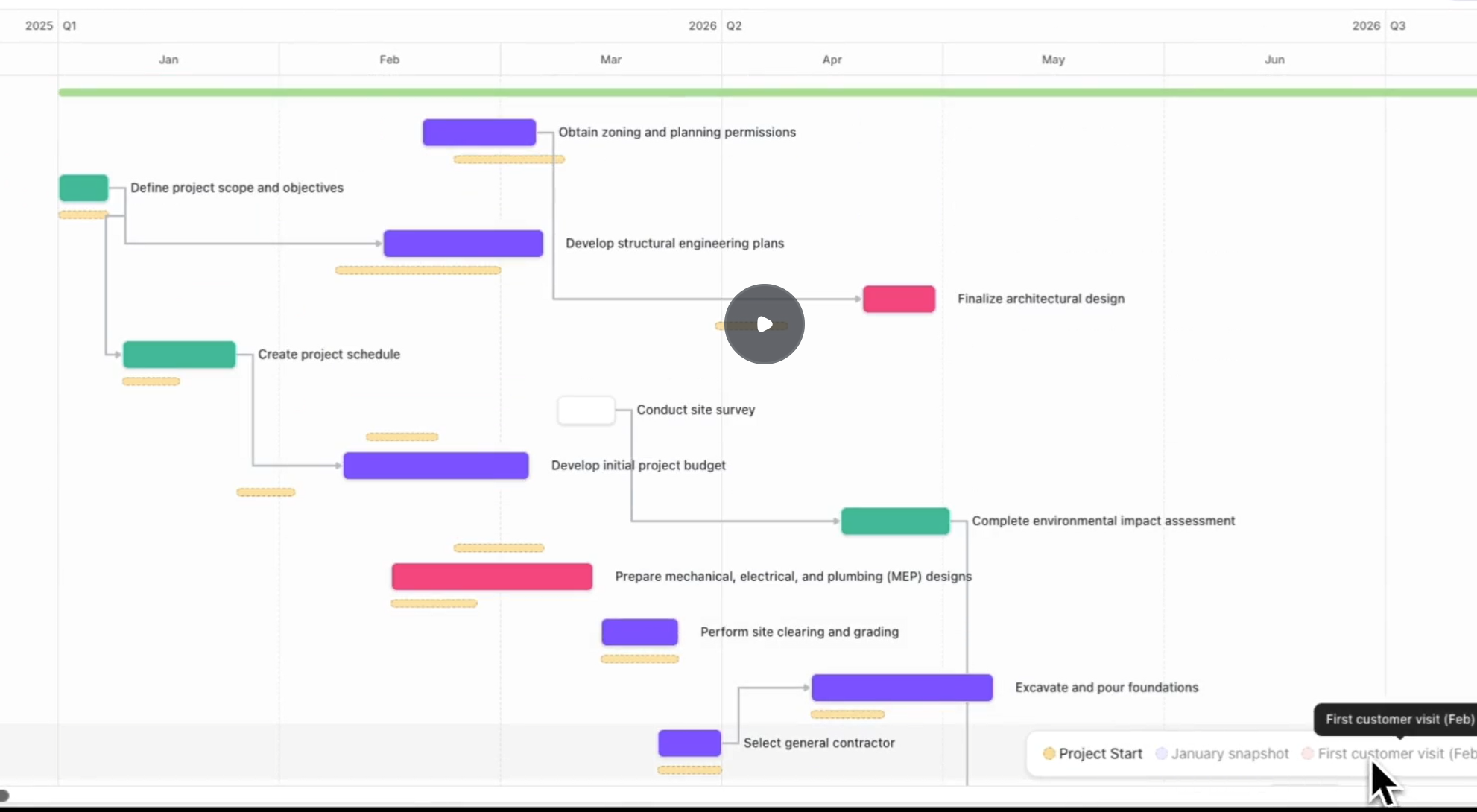
Baselines have been requested over 1,000 times to help ClickUp users track how project dates have changed from their initial settings. Now, Baselines are finally going live! In addition to visualizing the baseline dates in your projects’ Gantt views, this feature will soon automatically “snapshot” your tasks/projects and store the date and status information for each snapshot in tasks. Soon, you’ll be able to calculate delays and other performance metrics and include them in dashboards to help drive efficiency for your teams.
SubFolders
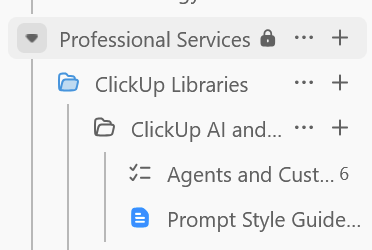
At long last, and after many hurdles, Subfolders have cleared their seemingly final hurdle and are now live in pilot environments. Another very highly requested item, Subfolders will open ClickUp to greater organization of tasks and client workstreams, as well as storing your files and documents. For us at Tuck, lacking a subfolder or directory capability was a large reason we avoided using ClickUp for simple file storage. Now, many clients can potentially migrate their systems away from tools like OneDrive or Google Drive — if natively integrating them with ClickUp isn’t the better solution — without the headaches of reorganizing.
What do I need to know about ClickUp 4.0?
On February 27th, 2026, any ClickUp workspace on the 3.0 interface will automatically switch to 4.0, with an option to temporarily switch back. On March 27th, 2026 every workspace will utilize the 4.0 interface.
We pulled together an article outlining all of the new features small businesses should be aware of.
Can my emails integrate into ClickUp tasks?
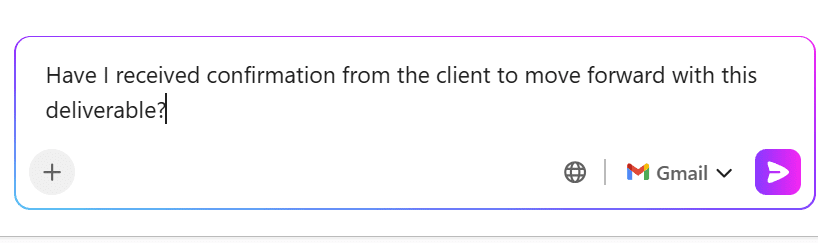
Yes, you can integrate your emails with tasks in ClickUp through the chat channel.
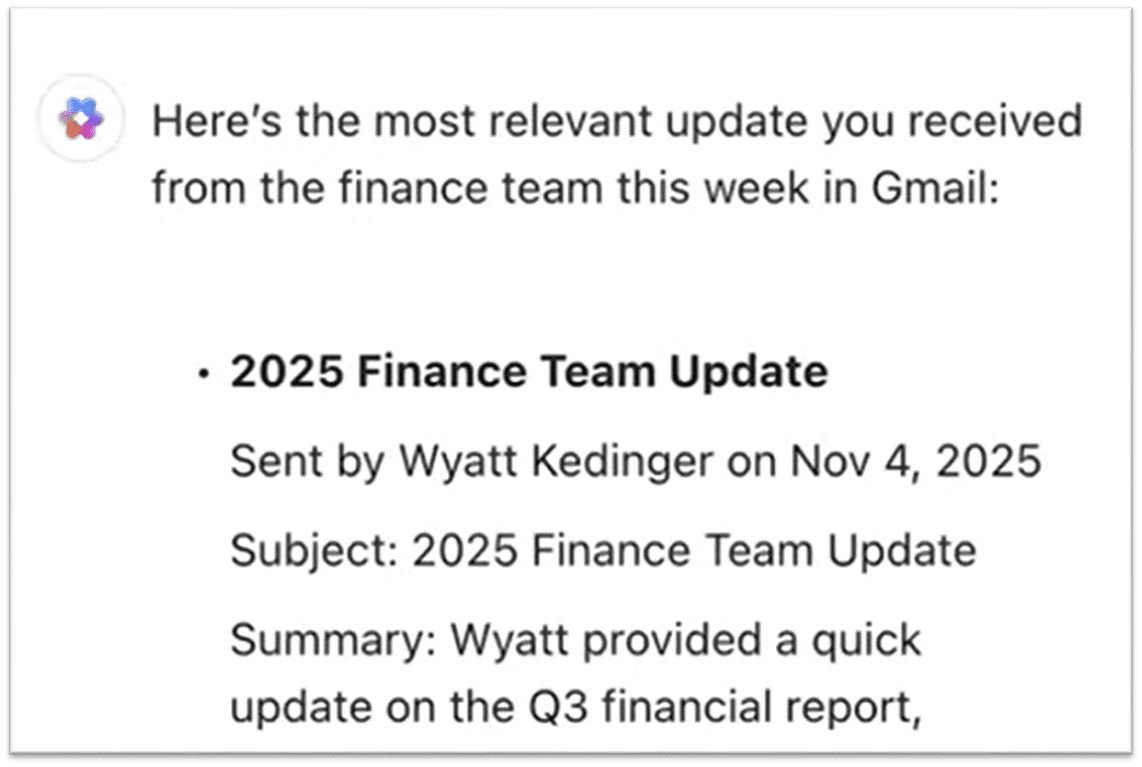
The new Email to Channel feature allows you to add an email message directly into a chat channel, giving team visibility and unlocking new Chat Agents workflows.
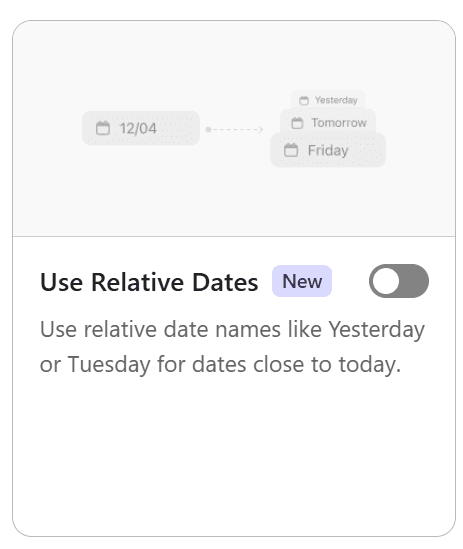
Is there a way to force a specific date format in ClickUp date fields?
Yes, the Use Relative Dates ClickApp now officially lets you force the use of absolute dates in date fields, like 9/1/25 instad of “Fri”.
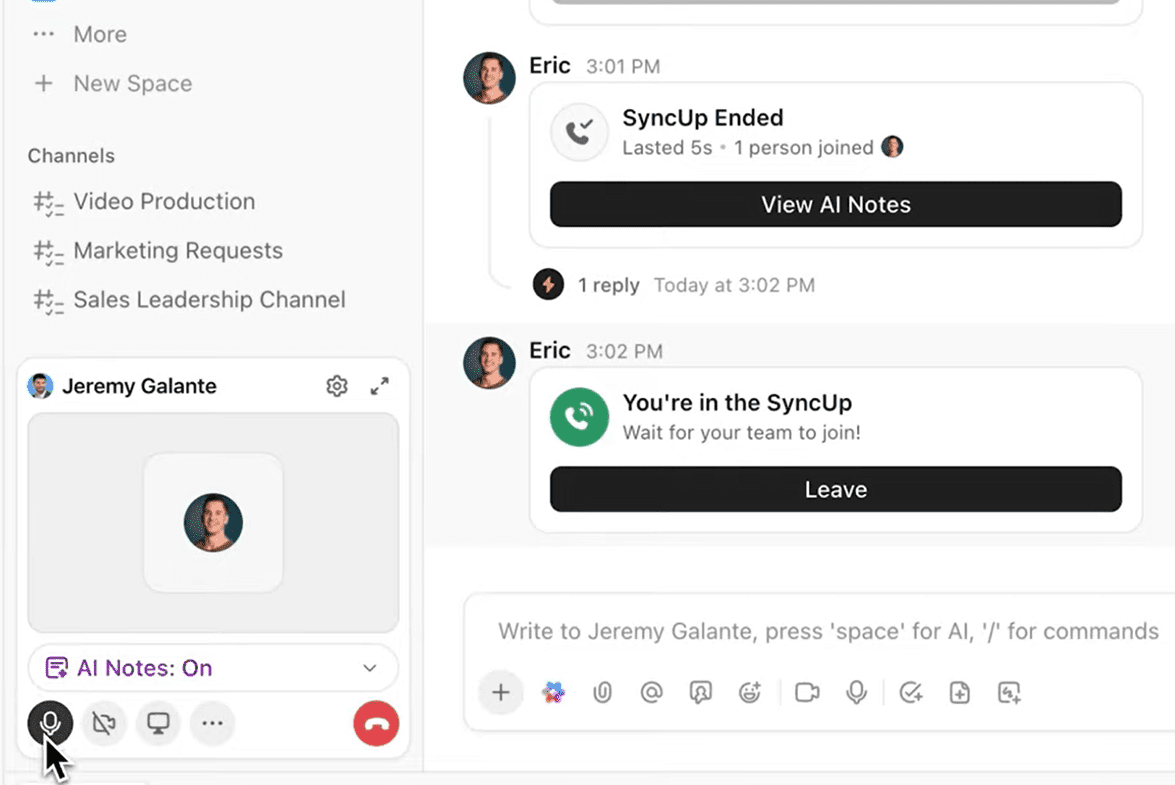
How can I get meeting notes and tasks generated automatically in ClickUp SyncUps?
ClickUp’s video meeting feature, SyncUps, can now automatically take notes via AI Notetaker, create action items from the discussion, and share them all with the attendees. We’re ever-closer to the dream of a perfect notetaking solution that can join any video platform, share centralized notes to everyone, and assign tasks and action items to delegated teammates.
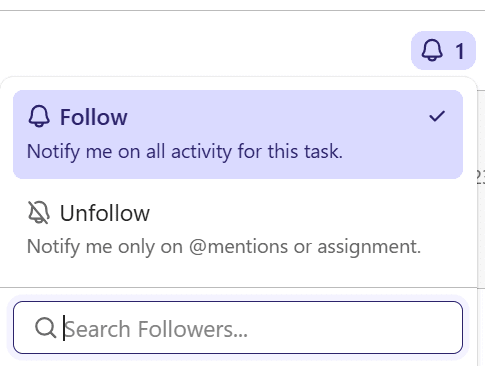
What happened to Watchers in ClickUp?
First 6-7, now this? Watchers in ClickUp are called Followers now — more intuitive, still as useful as ever.
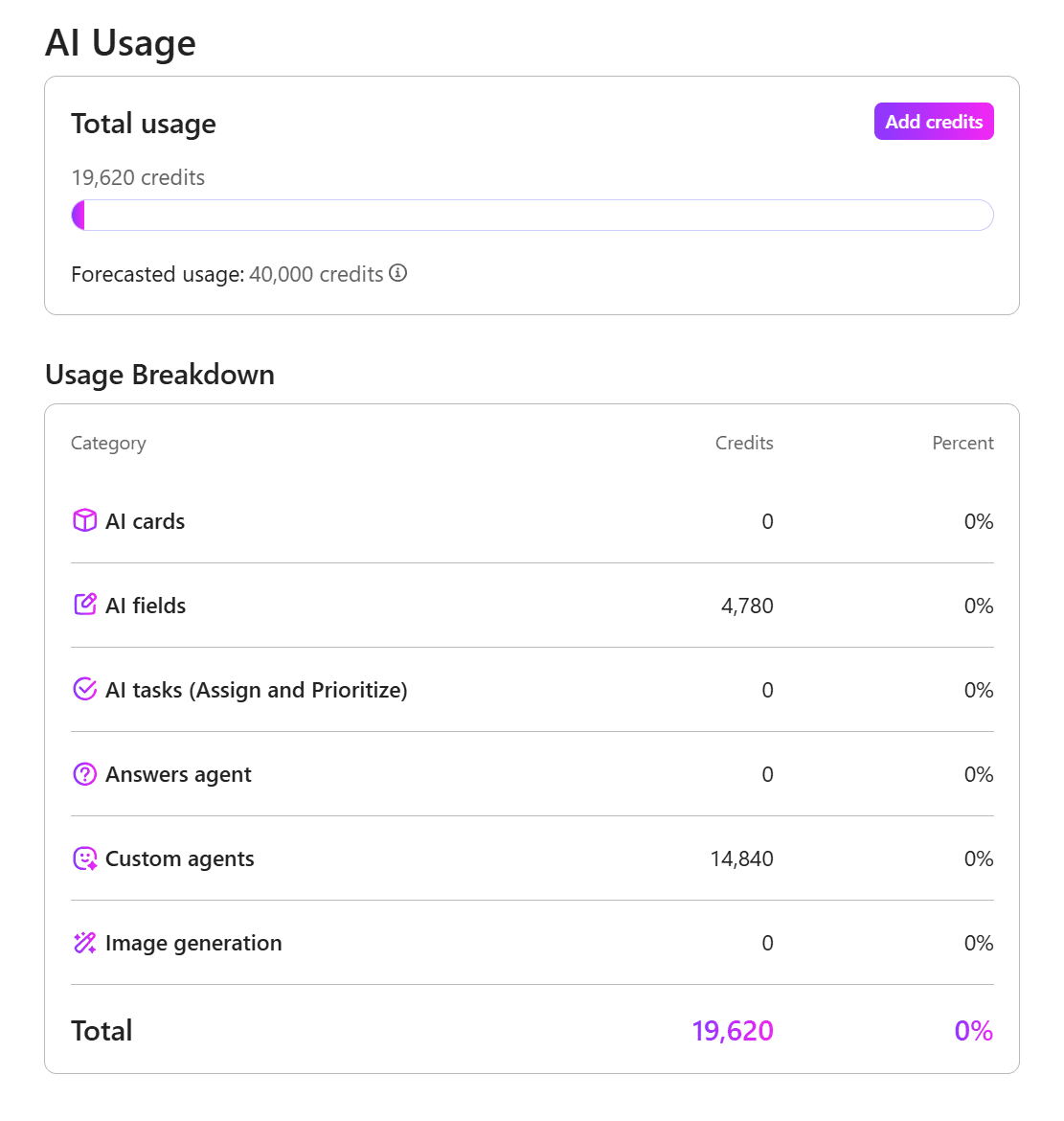
Is there a way to see how my team is using AI in ClickUp?
You can now see all of your workspace’s AI usage broken down by feature category, to be sure your team is staying within your available usage and credit limits, and identify where to scale up or down.
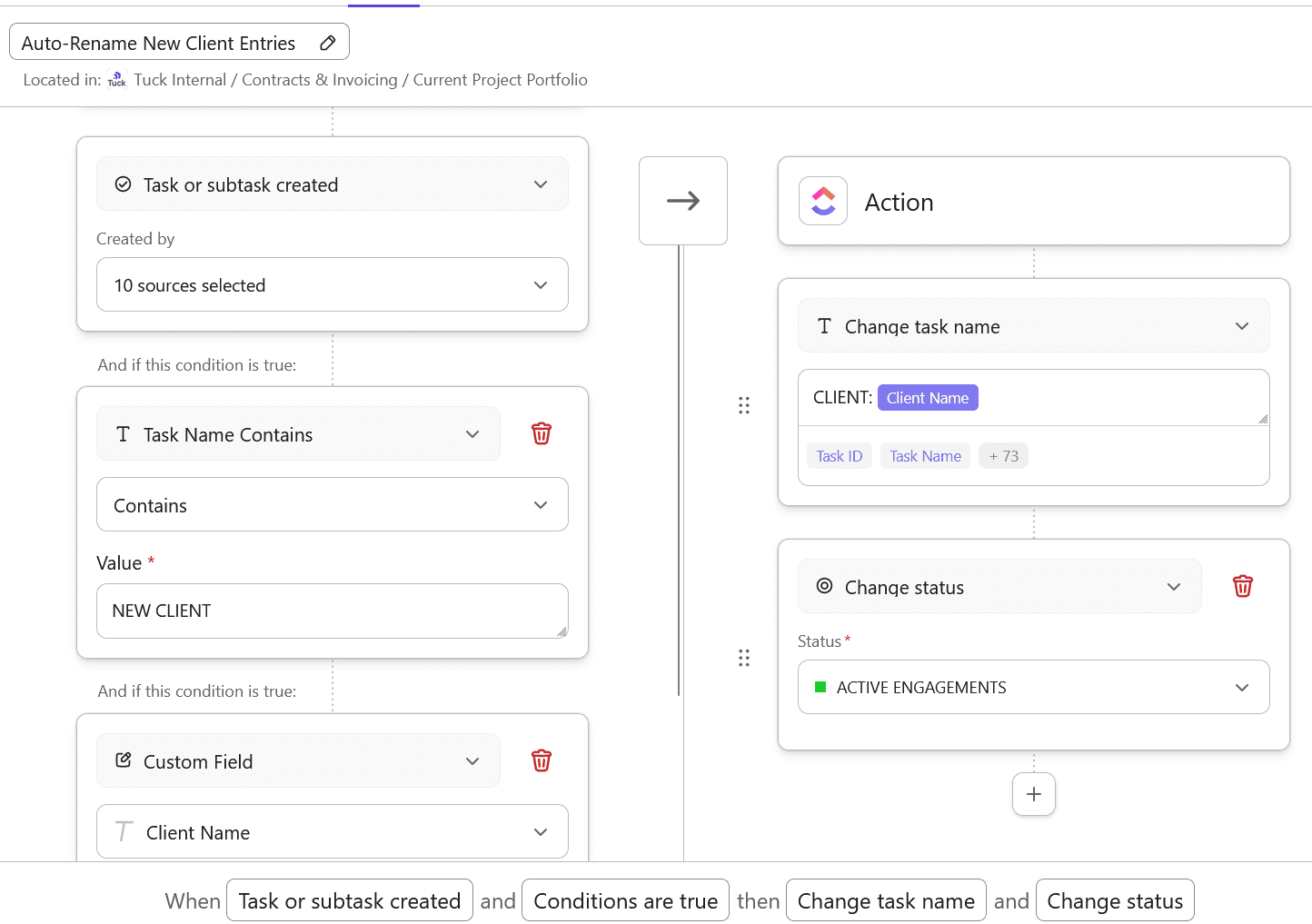
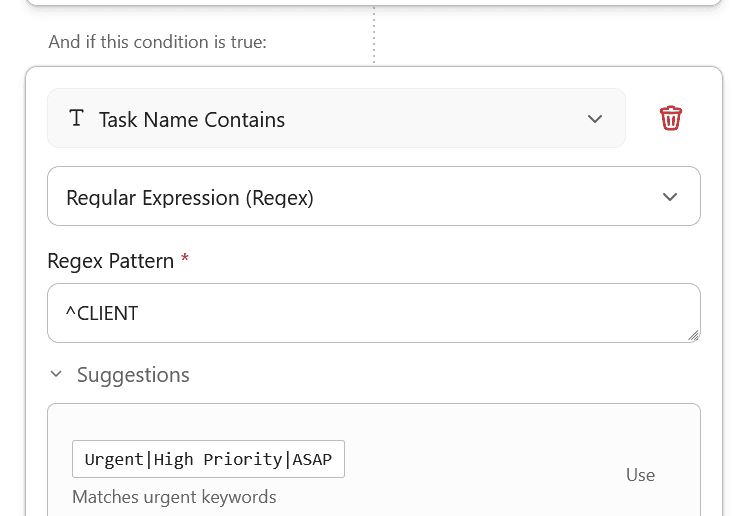
Can ClickUp automations detect specific words in task names and take action?
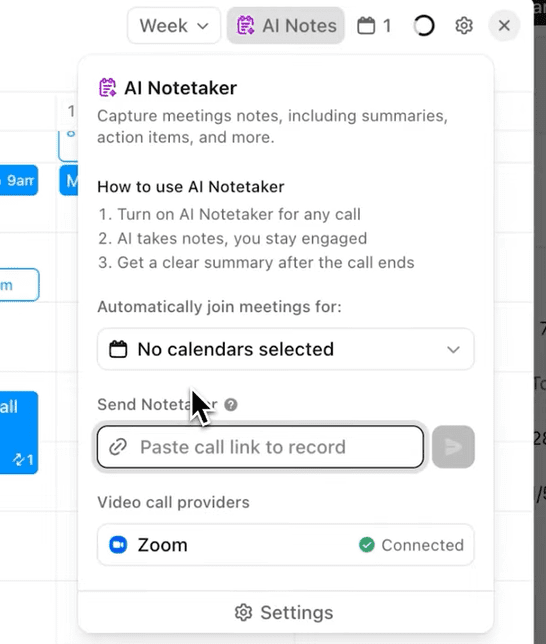
How do I add ClickUp AI notetaker to unplanned calls?
How do I restrict access to ClickUp form links?

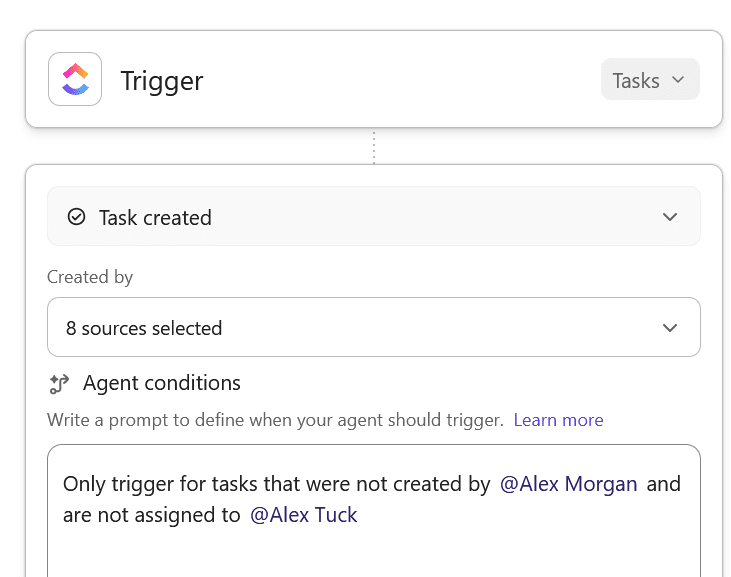
How do I set conditions for when a ClickUp AI Agent should run?
How do I manage multiple workstreams in a single ClickUp space?
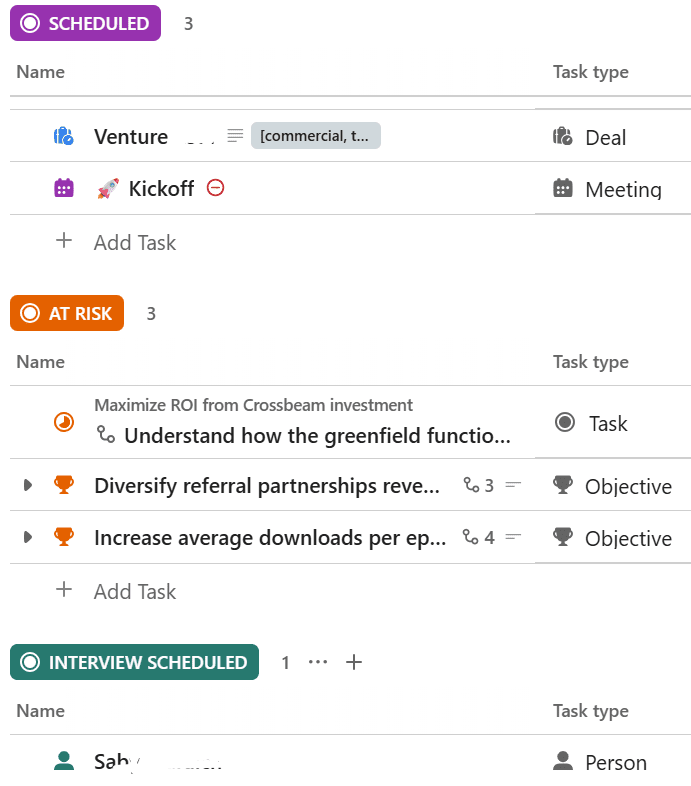
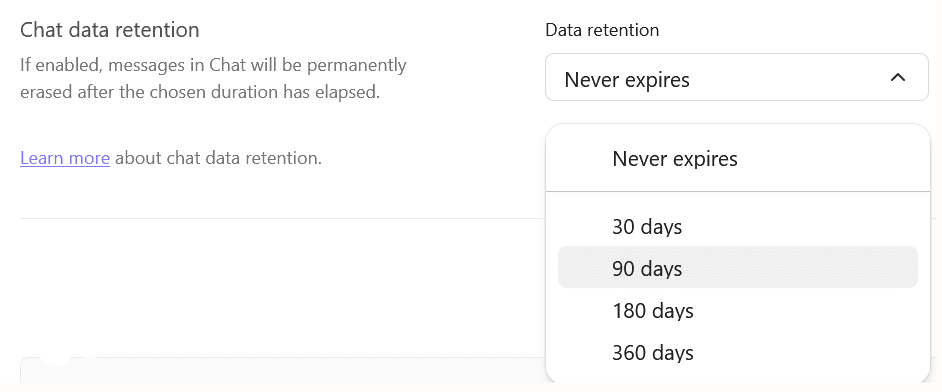
Can ClickUp automatically delete chat messages and attachments?
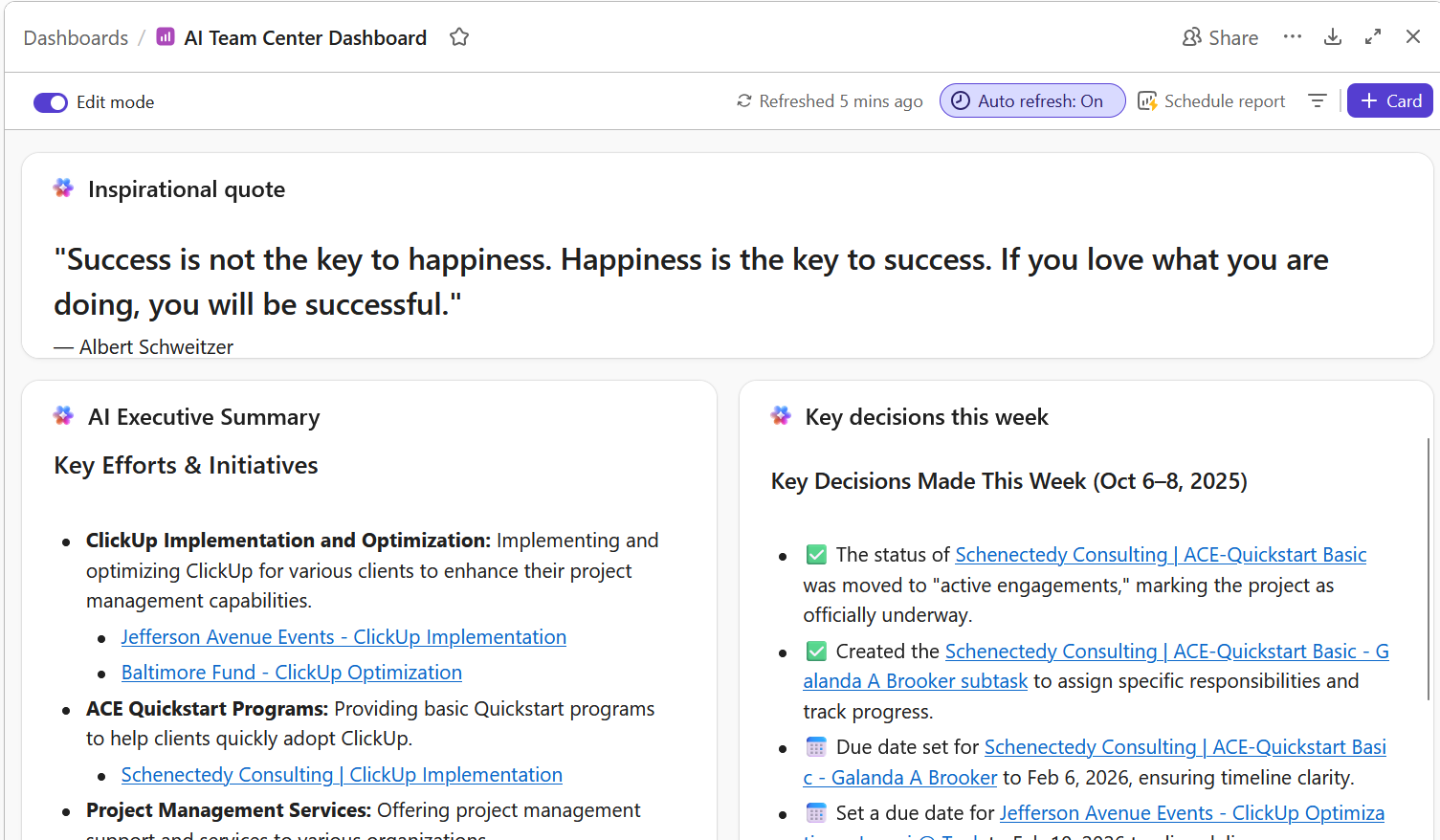
How can I quickly visualize ClickUp data with AI dashboards?

Alex Morgan
Professional Services Practice and Project Management Professional
Alex Morgan (he/him/his) is the IT Professional Services Practice Lead at Tuck Consulting Group. In 2021, Alex began with Tuck as a pro bono consultant for local nonprofits and instantly clicked with the company culture, mission, and clients. Working with diverse clients in tech and adjacent sectors has afforded a breadth of relationships and invaluable strategic insight.
Alex works remotely from Burlington, Vermont. He is a certified ClickUp Expert and is certified with the HubSpot Content Management System and HubSpot Marketing Hub.
When work is over for the day, Alex enjoys live music, NBA basketball, and critiquing TV shows with his daughter (we are equally intrigued to hear more about this last one).