
ClickUp for Marketing

How To Use ClickUp For Your
Marketing Campaigns
Your company might sell a limited number of products or services, but your audience is likely diverse in thought, behavior, and approach. How do you properly track workflow to develop campaigns for each audience persona and regularly report out on the progress? Eliminate marketing silos, increase campaign efficiency, and improve visibility into ROI with ClickUp.
With a tool like ClickUp, there are thousands of existing templates for your exact use case that require a one click import to your ClickUp environment.
We gathered the direct links for you to browse so you don’t have to scour the internet:
- 10 Free Product Marketing Plan Templates to Plan Campaigns
- Marketing Campaign Management Template
- Marketing Team Operations Template


Build SMART goals into ClickUp.
Setting clear, actionable goals is critical for the success of any marketing initiative. Without a well-defined target, teams can easily become unfocused, wasting time on tasks that don’t drive results. A popular framework for creating effective goals is the SMART method, which stands for Specific, Measurable, Achievable, Relevant, and Time-bound. By using SMART goals, you ensure that your objectives are clear, attainable, and aligned with your overall business strategy.
However, simply setting SMART goals isn’t enough—it’s essential to track your progress and stay on course. That’s where ClickUp comes in. By integrating your SMART goals directly into your ClickUp Workspace and using milestones to measure progress, you can create a dynamic system that not only helps you set goals but also keeps your team accountable and on track.
Organize Multiple Marketing Initiatives.
Organize your marketing efforts by grouping related initiatives into dedicated ClickUp Folders. Within each folder, create ClickUp Lists to break down and manage all the tasks required to complete each initiative efficiently. This structured approach helps you streamline your workflow, ensuring that every project is organized and easy to track from start to finish.


Keep a Close Eye on Team Capacity.
When you’re running multiple marketing campaigns in tandem, it can be easy to allocate resources without overwhelming your team. With ClickUp’s Workload and Team View features, you can streamline this process by getting a comprehensive overview of your team’s capacity and how resources are being utilized. These features allow you to see at a glance who is over- or under-allocated, helping you quickly identify any imbalances in workload. This not only prevents burnout but also ensures that work is distributed effectively across the team, making sure that deadlines are met without overextending any individual.
ClickUp’s Workload view provides a visual representation of tasks assigned to each team member, broken down by due dates and time estimates.
The Team View complements Workload by offering a broader, more detailed look at your team’s overall responsibilities and productivity. With just a few clicks, you can access a dashboard that shows not only what each team member is working on, but also the status of their tasks and upcoming deadlines.
Track all marketing in assets in one place.
Keeping track of marketing assets—whether they are graphics, copy, videos, or promotional materials—can quickly become overwhelming, especially when juggling multiple campaigns. ClickUp’s Space feature provides a central location to store all assets related to a specific campaign. By organizing each campaign within its own Space, you can maintain a streamlined system where every file, document, and creative asset is easily accessible to the entire team. This not only eliminates the need to hunt through emails, shared drives, or cloud storage but also ensures that everyone has access to the latest version of each asset, enhancing collaboration and productivity.

Create a central content calendar within ClickUp.
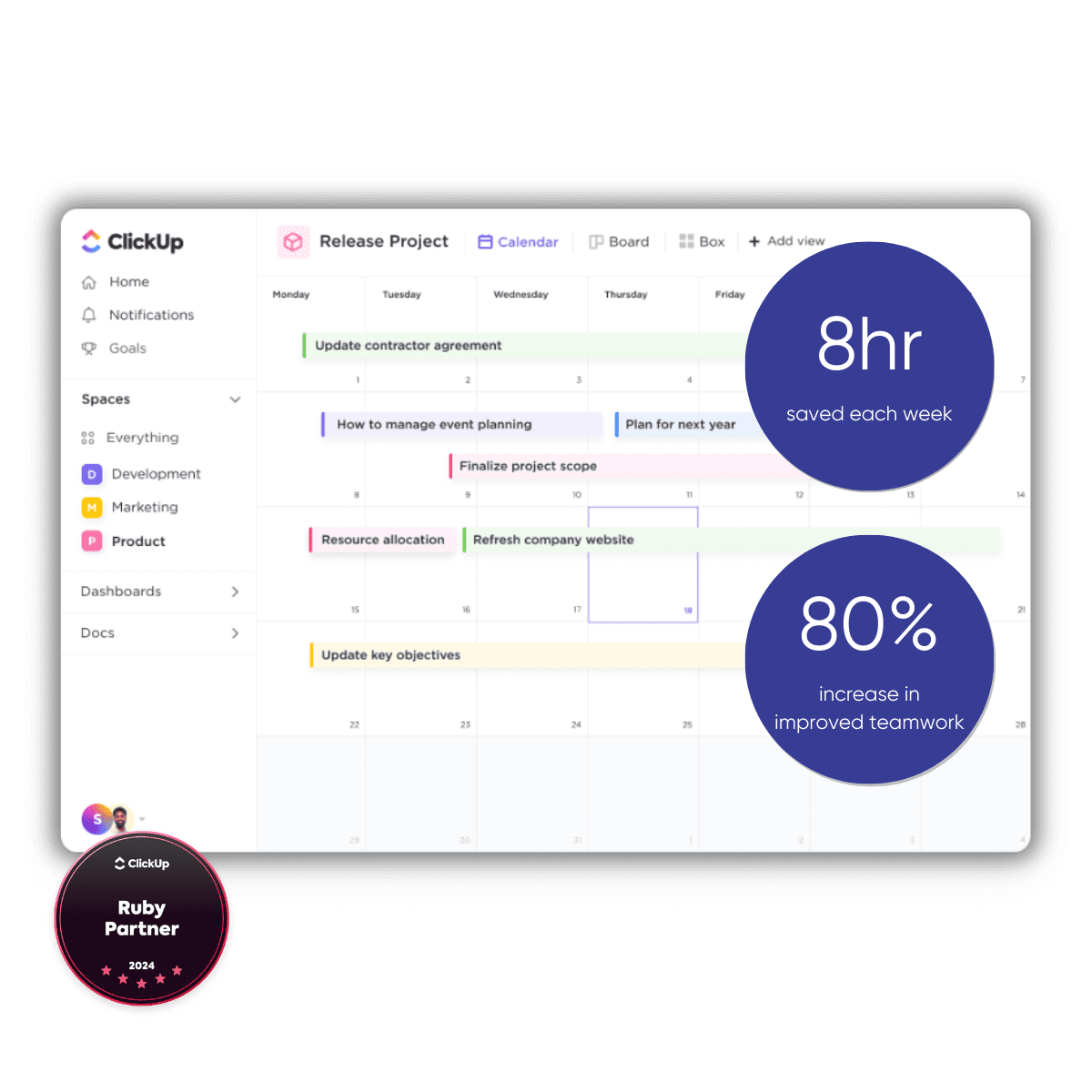
A well-organized content calendar is essential for managing and coordinating all your marketing efforts across different channels. With ClickUp’s Calendar feature, you can create a centralized content calendar that provides a clear, real-time overview of what content is going live, on which platform, and when. By using this feature, you can easily manage and visualize your entire content strategy in one place, ensuring that every blog post, social media update, email campaign, or video release is planned and scheduled efficiently. This system not only helps your marketing team stay aligned but also prevents any overlap or missed opportunities when scheduling content.
How to Use ClickUp for Content Marketing
Content marketing is critical for attracting inbound sales, yet even with the proliferation of AI platforms and low-cost talent, it’s certainly not autonomous. Hiring the right marketing team is only step one. From there, leveling up your content marketing requires meticulous planning, collaboration, and execution. To get the most out of your talent investment, you need powerful productivity tools like ClickUp.

Schedule A Strategy Call Today
Sign Up For Our Newsletter
Stay Up To Date
Latest Articles

Why Higher Education Institutions Are Turning to ClickUp
This scenario is familiar across higher education: each department manages priorities using different tools, resulting in a mix of spreadsheets,...

ClickUp 4.0 Features for Small Businessess
Summary: ClickUp 4.0 is officially here and every workspace is upgrading! On February 27th, any workspace on the 3.0 interface will automatically...

5 Ways Nonprofits Can Save Money & Do More with Your Work Management Software
Summary: Nonprofits are often tasked with doing more with less, making efficiency a top priority. By leveraging project management tools like...